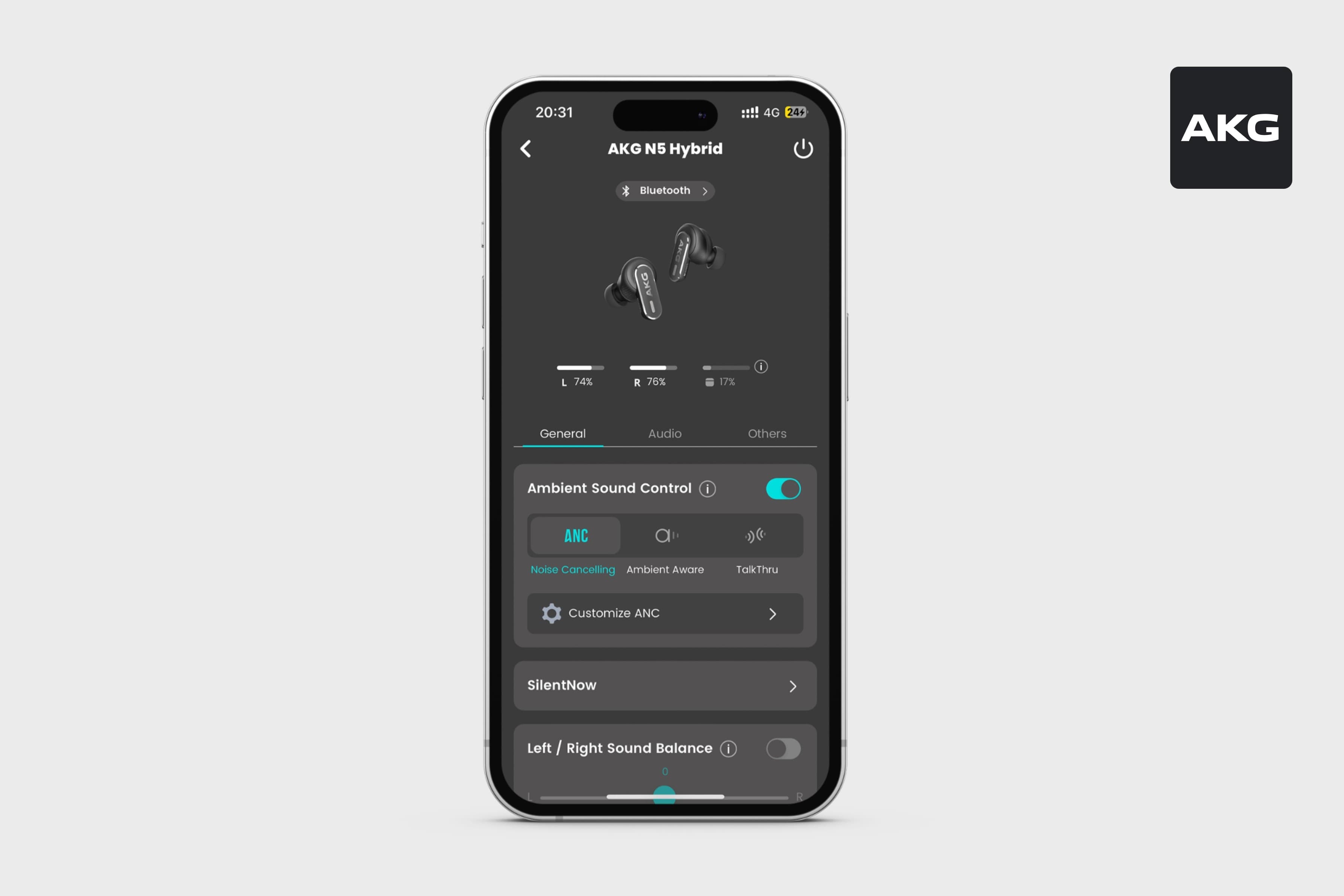
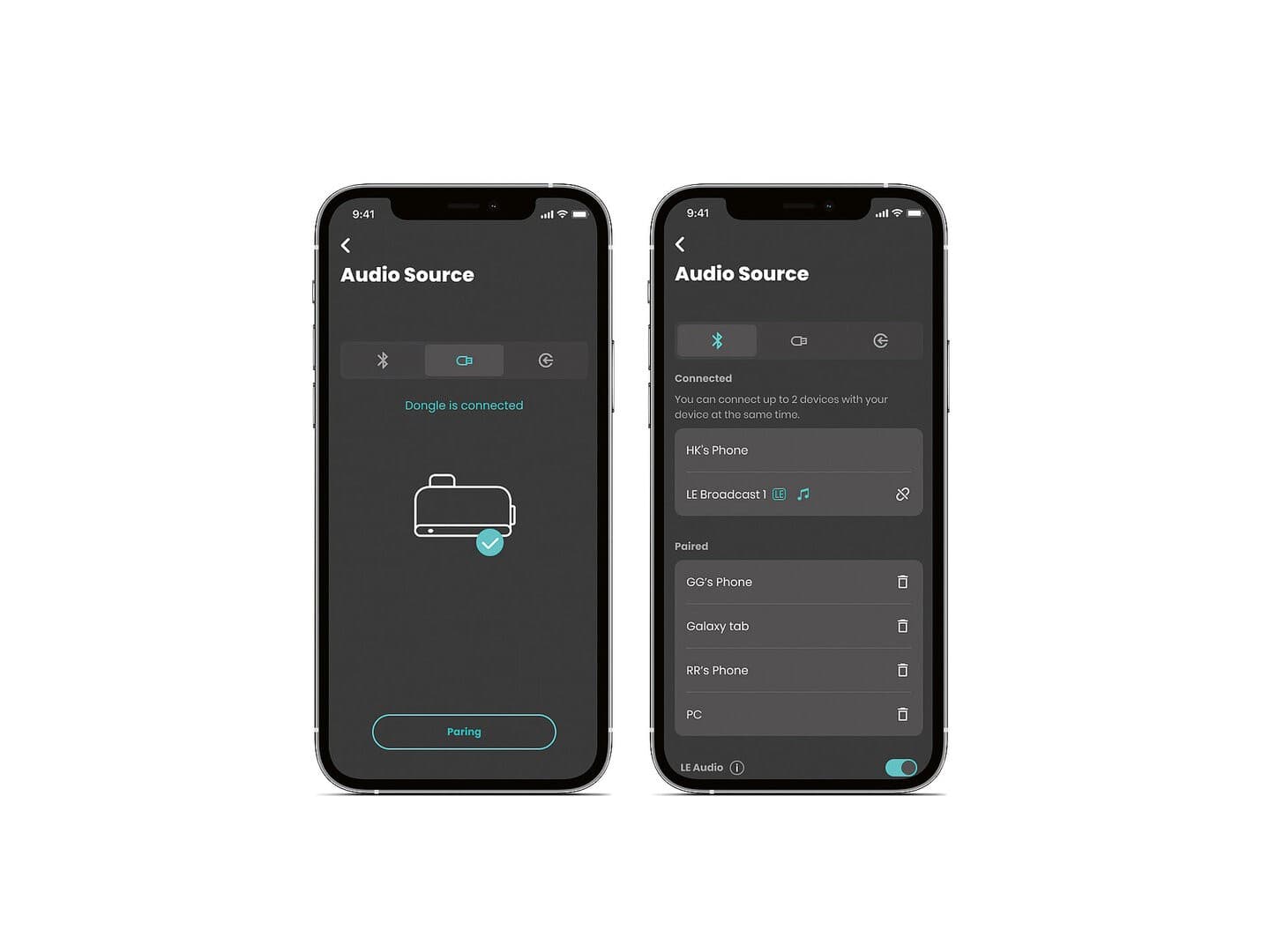
Dashboard organization
As AKG headphone features expanded, the dashboard became harder to navigate. I revised its structure to support existing controls and future additions.
Task-based grouping
I grouped controls by the task they support rather than by feature release order or prominence.
Dashboard layout
The dashboard uses Grouping headphone controlsThese are the three groups used in the redesigned dashboard: everyday device settings, sound adjustments, and secondary features. Grouping by purpose gives people a place to look, and gives the team a consistent place to add another feature.Further readingAKG N9 Hybrid — Quick-start guide for device settings, listening adjustments, and secondary features. These categories help users locate controls without knowing their exact names.
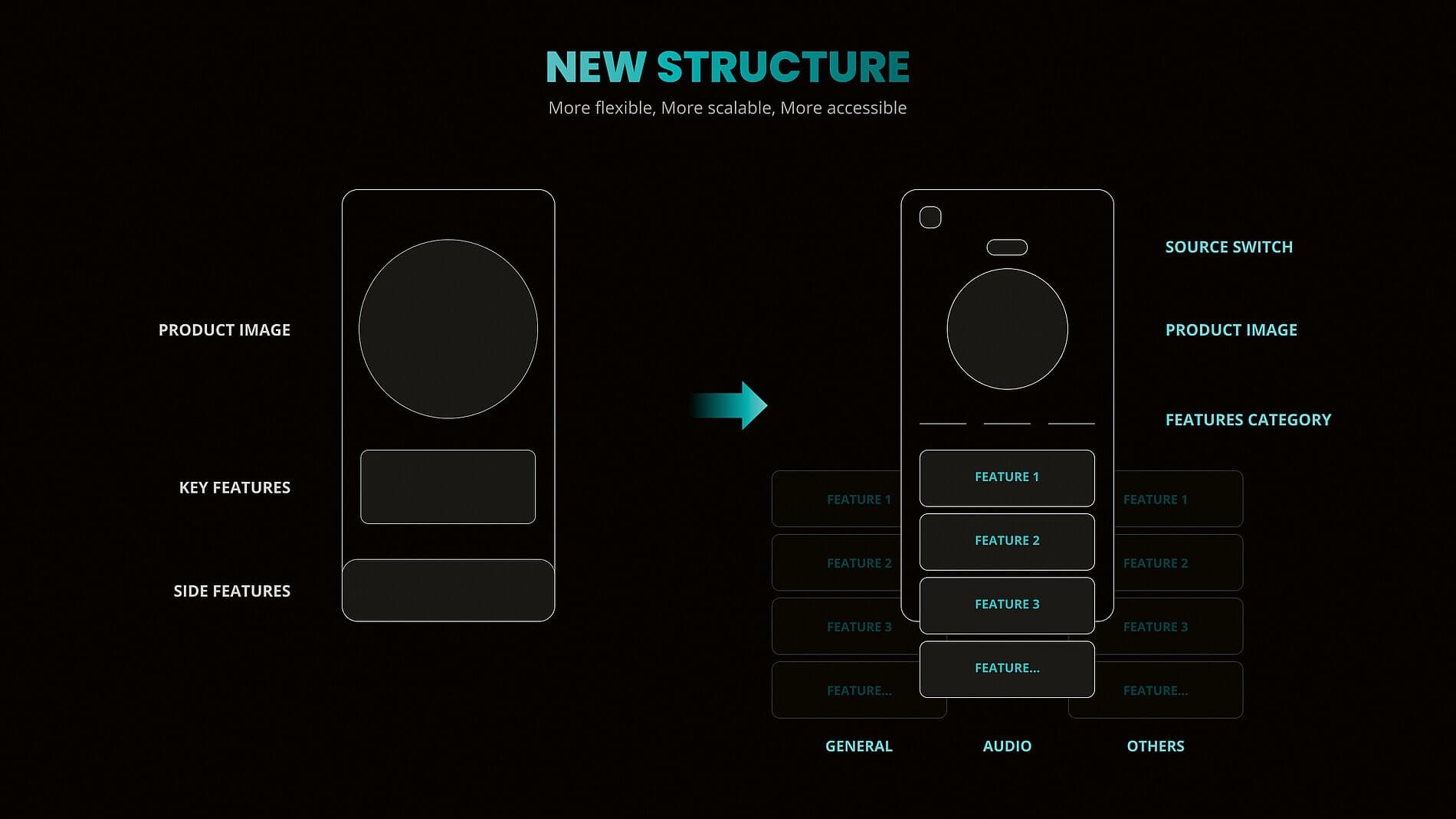
New capabilities can be added within the existing groups without restructuring the dashboard for every model.
Some audio features are mutually exclusive. For example, enabling Spatial Sound disables Hi-res Audio.
I added explanations and immediate feedback to unavailable controls, so users can understand why a setting has changed.
Shared interaction patterns are aligned with JBL and Harman Kardon, while AKG retains its own visual style.