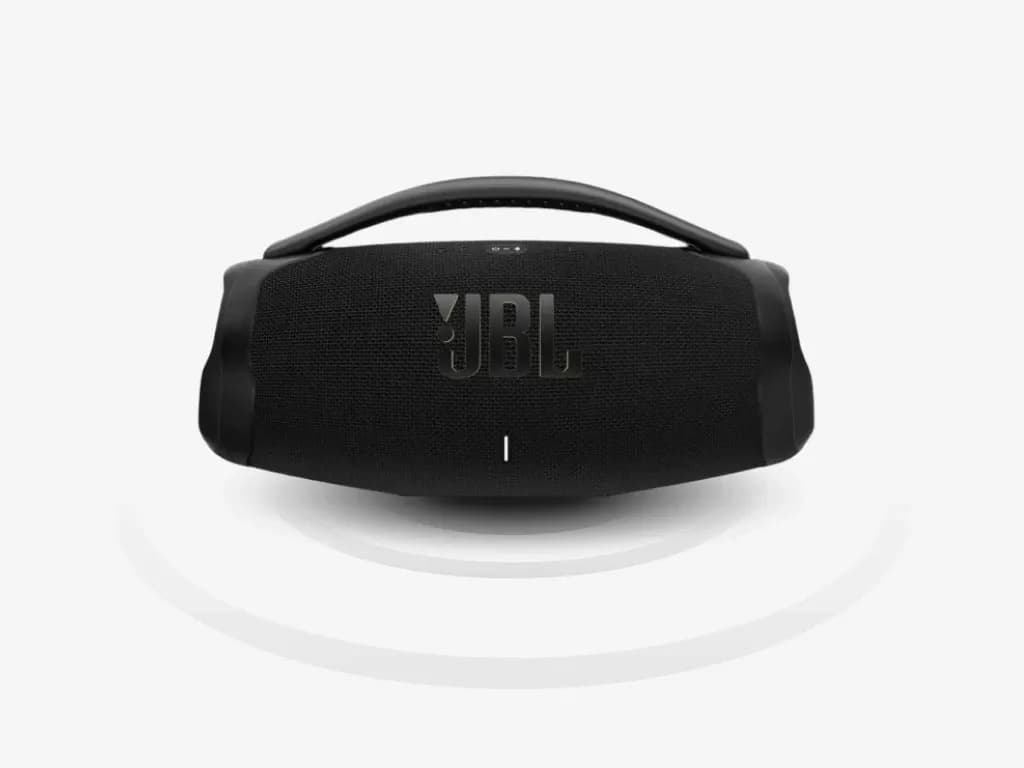
Auto-tuning interaction
I designed the auto-tuning interaction and sounds for JBL One, integrating Speaker calibrationThe sound of a speaker changes with its surroundings. Calibration plays a known sound so the system can adjust for its listening setup. Because this happens during first use, the interaction needs to explain the wait and make the sound feel intentional.Further readingJBL One App — iF Design Award into the initial setup flow.
Sound design requirements
The calibration sequence is heard during initial setup. Its sound needed to be consistent with the product's existing audio cues.
The sequence needed to meet acoustic calibration requirements while remaining consistent with JBL's sound identity.
Setup flow
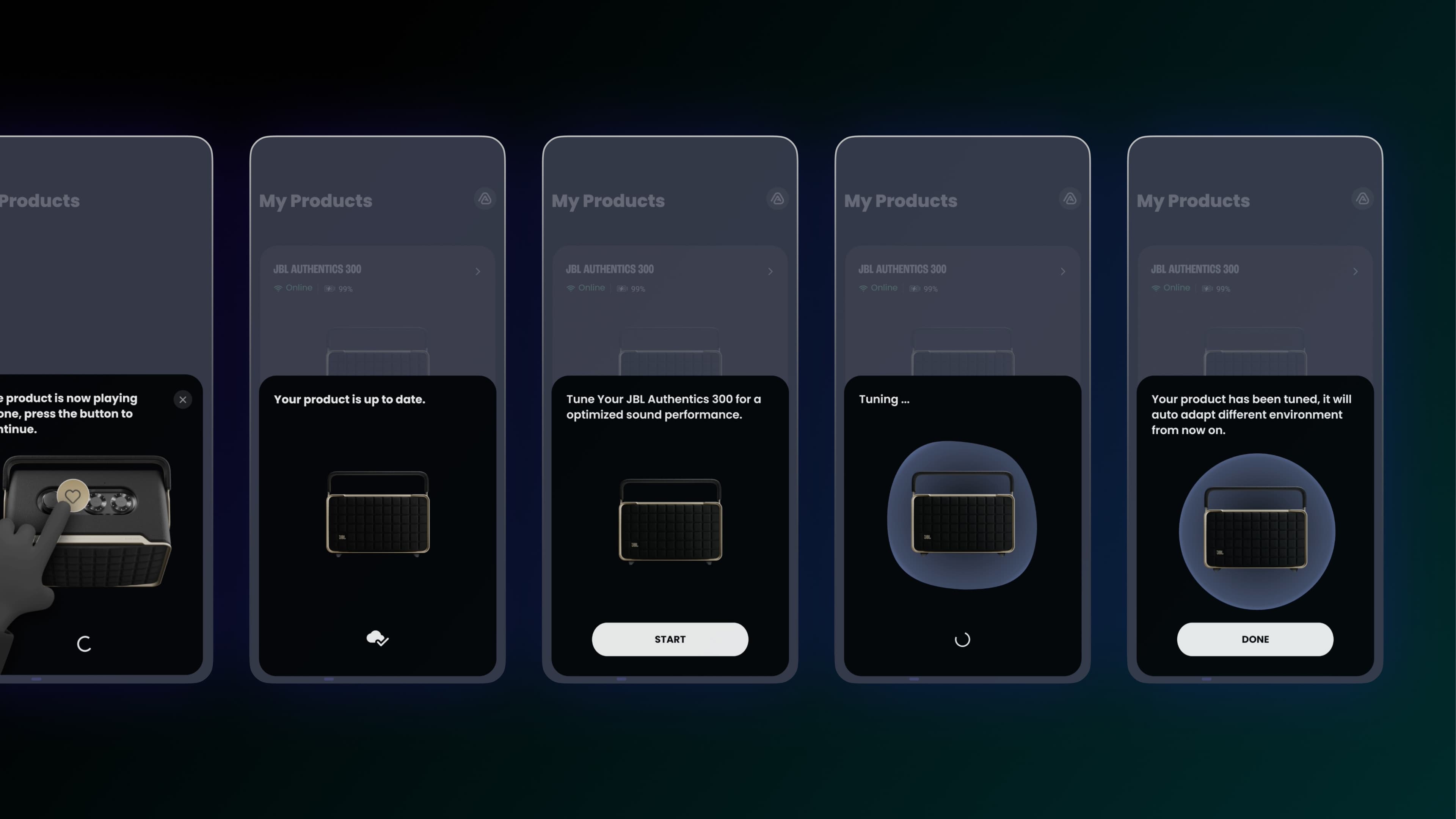
I placed auto-tuning in the guided setup flow and explained why the sound plays and what users need to do next.
I referenced JBL's startup and connection sounds and used familiar instruments in the calibration sequence.
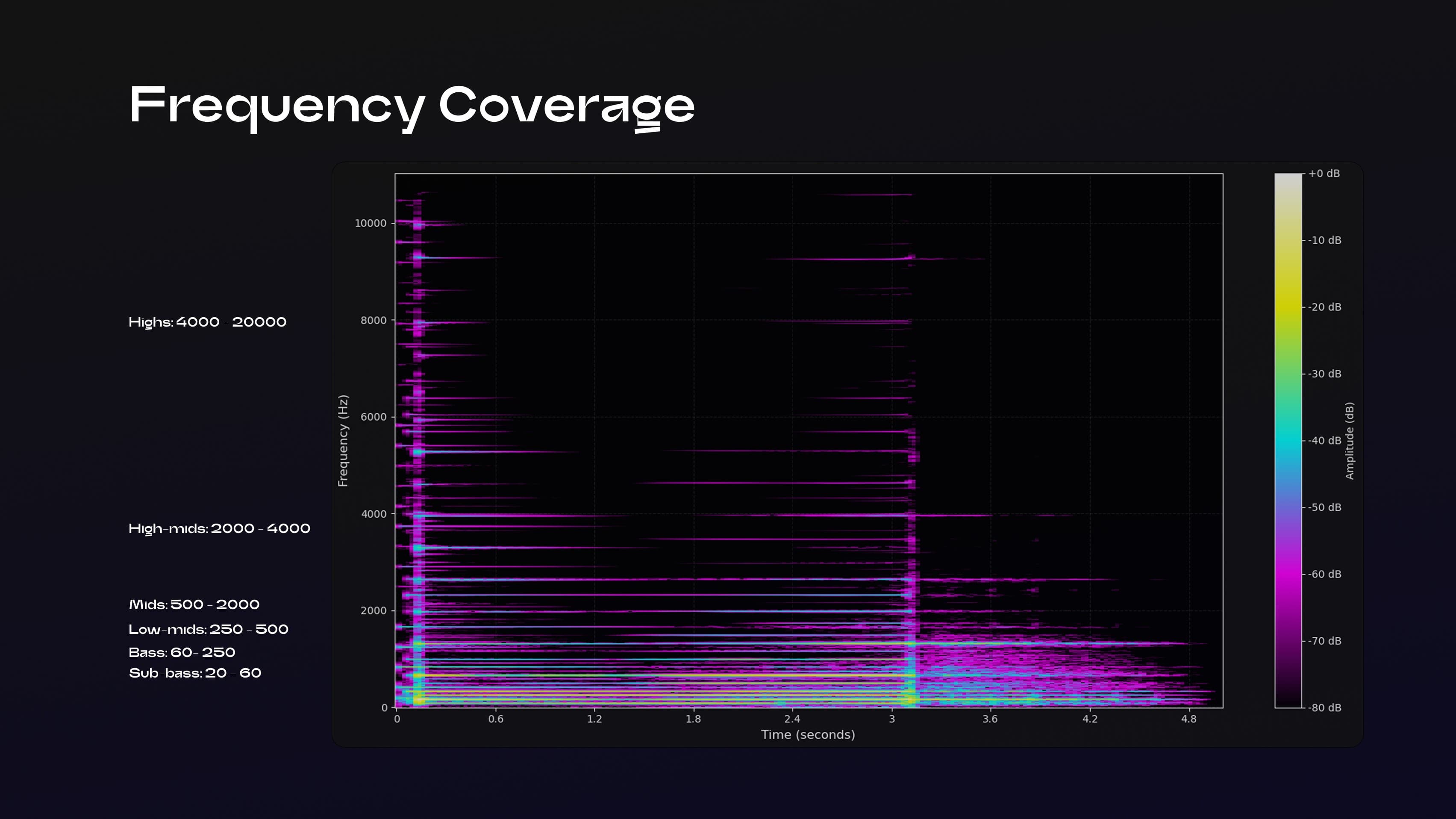
The sequence covers 20 Hz to 20 kHz and includes subtle mono reverb. These choices were developed around the tuning requirements.
Setup integration
The final sequence combines calibration instructions and sound cues within the setup flow, using a consistent style across both.