Information hierarchy
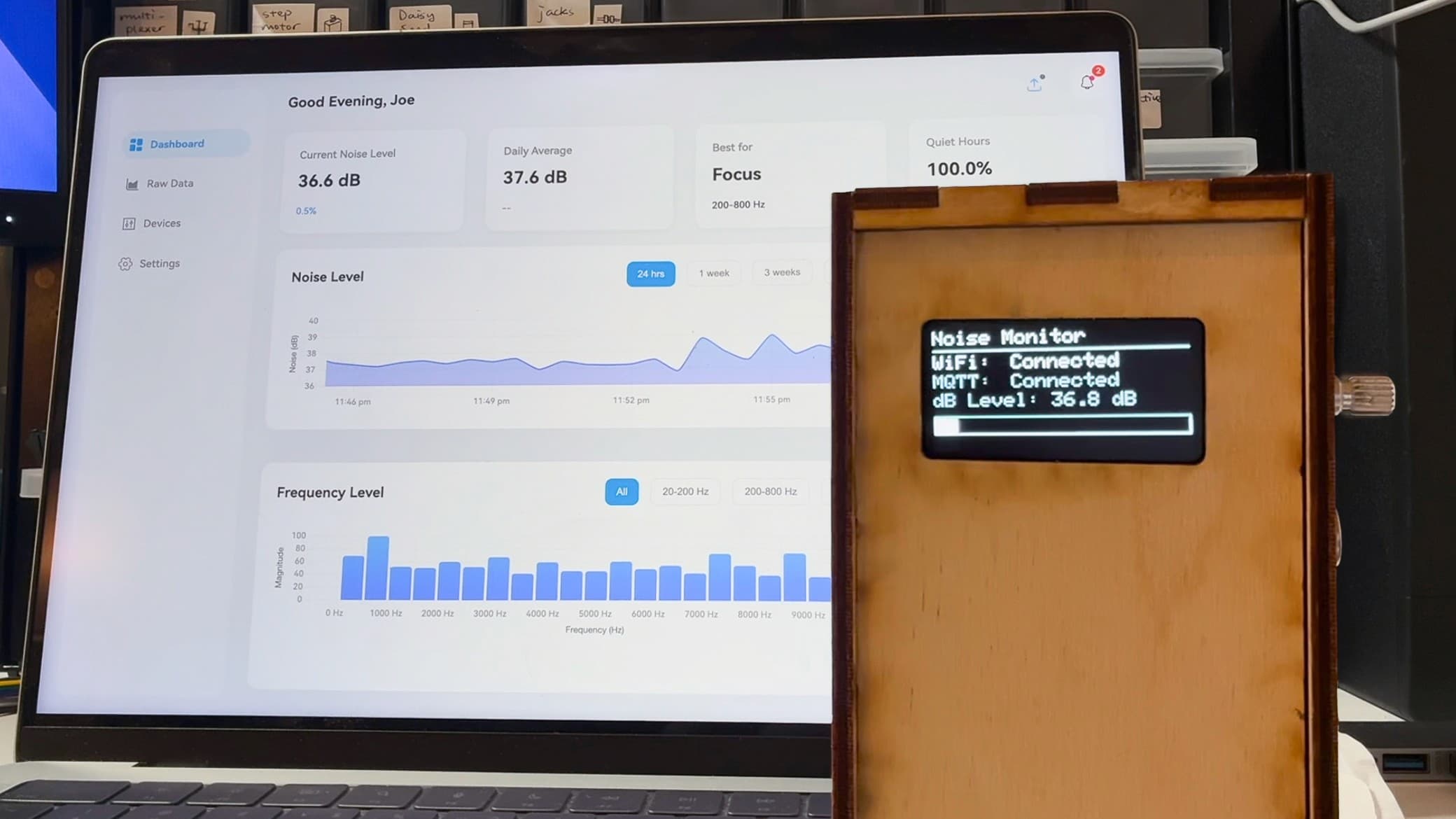
I designed the dashboard for a Calm interactionA calm interface offers useful information without constantly competing for attention. For a sound monitor, a quick reading can remain easy to glance at while detailed patterns wait for someone to look more closely.Further readingWeiser & Brown — The Coming Age of Calm Technology, 1996 at current sound levels, with detailed views available separately.
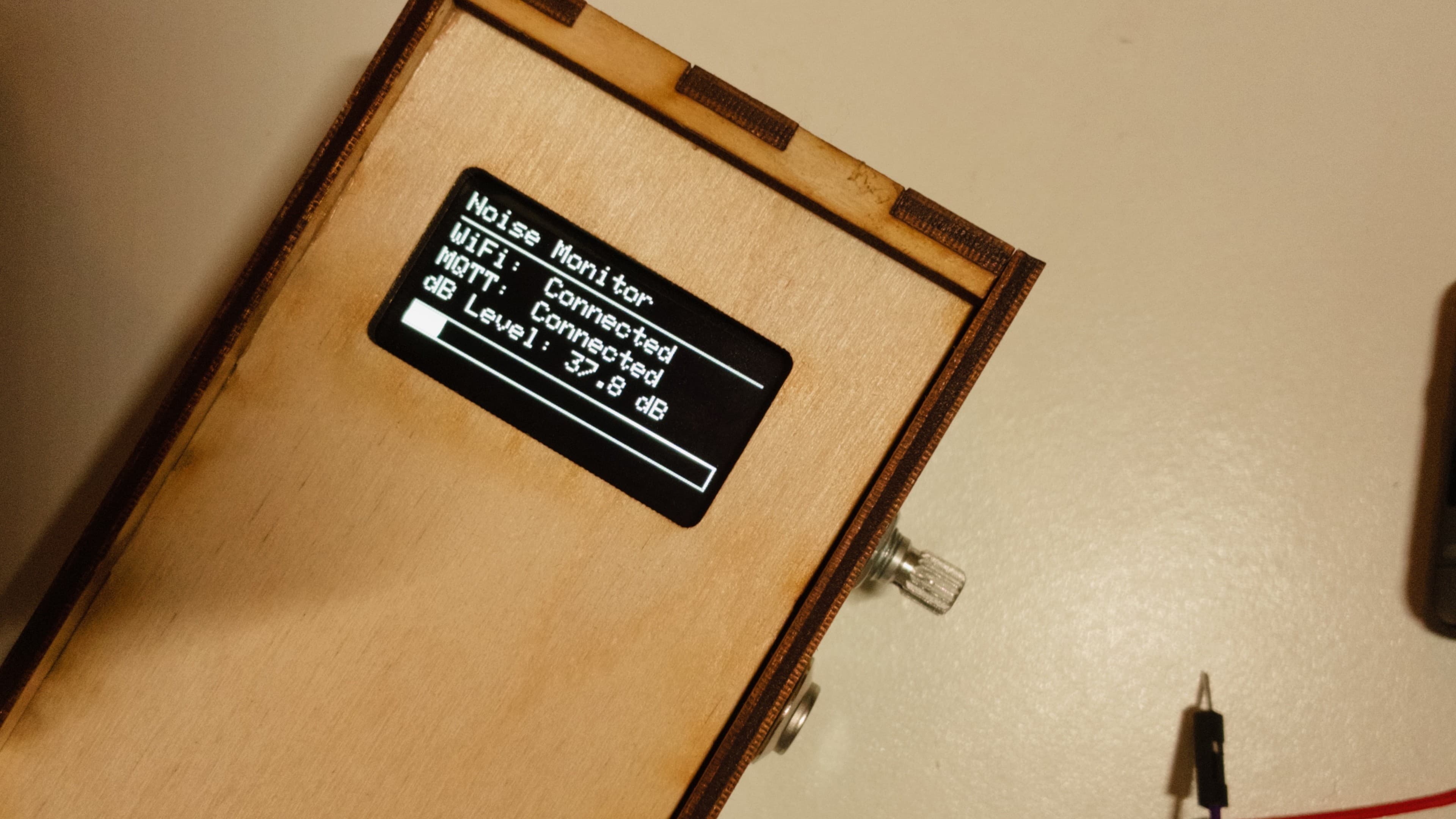
The layout separates current level, historical readings, and connection status.
Usability findings
Participants found activity labels such as “focus,” “relax,” and “creative” useful for interpreting readings. They also valued switching between time and frequency views.
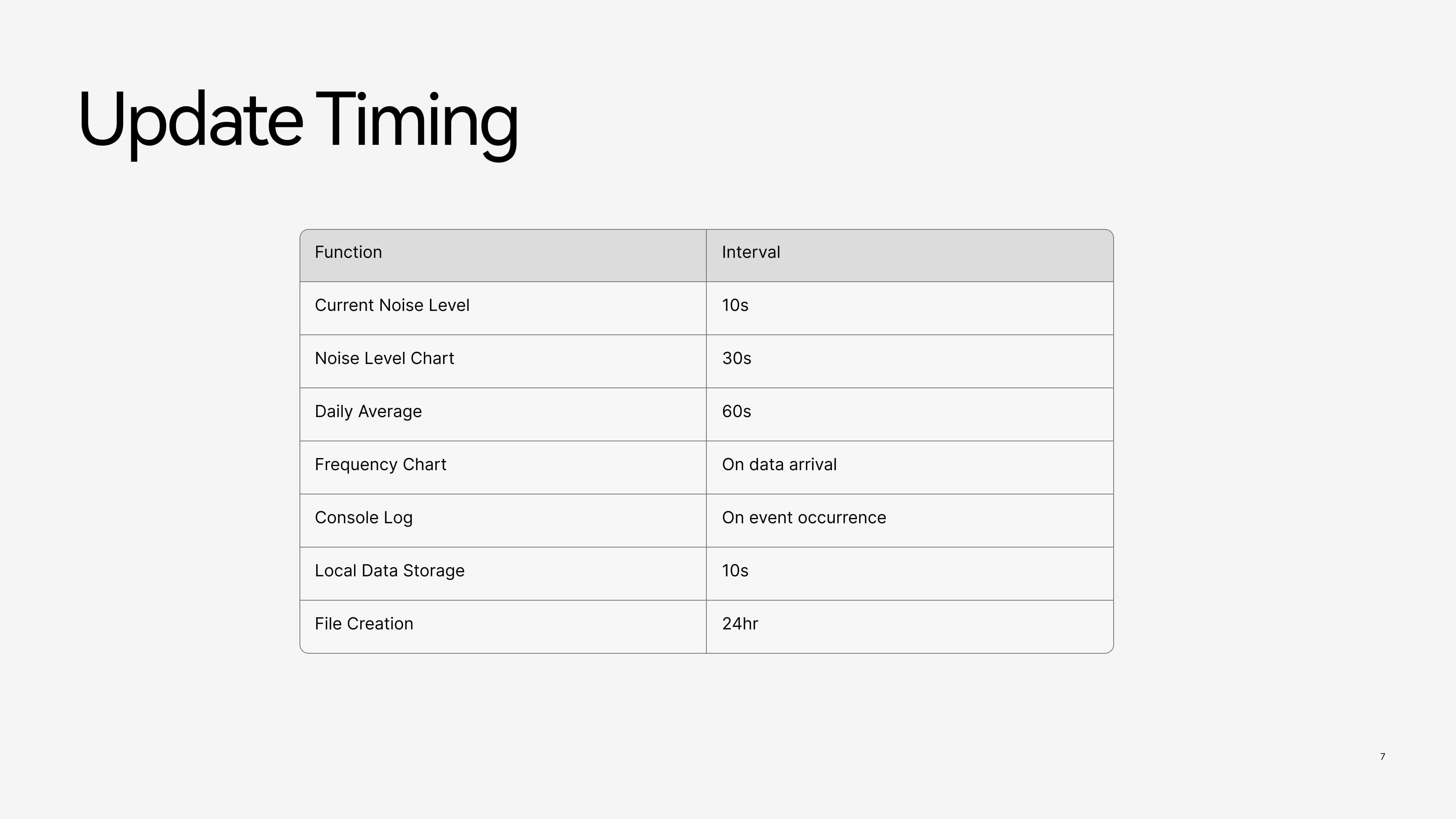
Participants needed clear connection status. Reducing displayed information and slowing selected updates improved readability.
Data processing and refresh rates
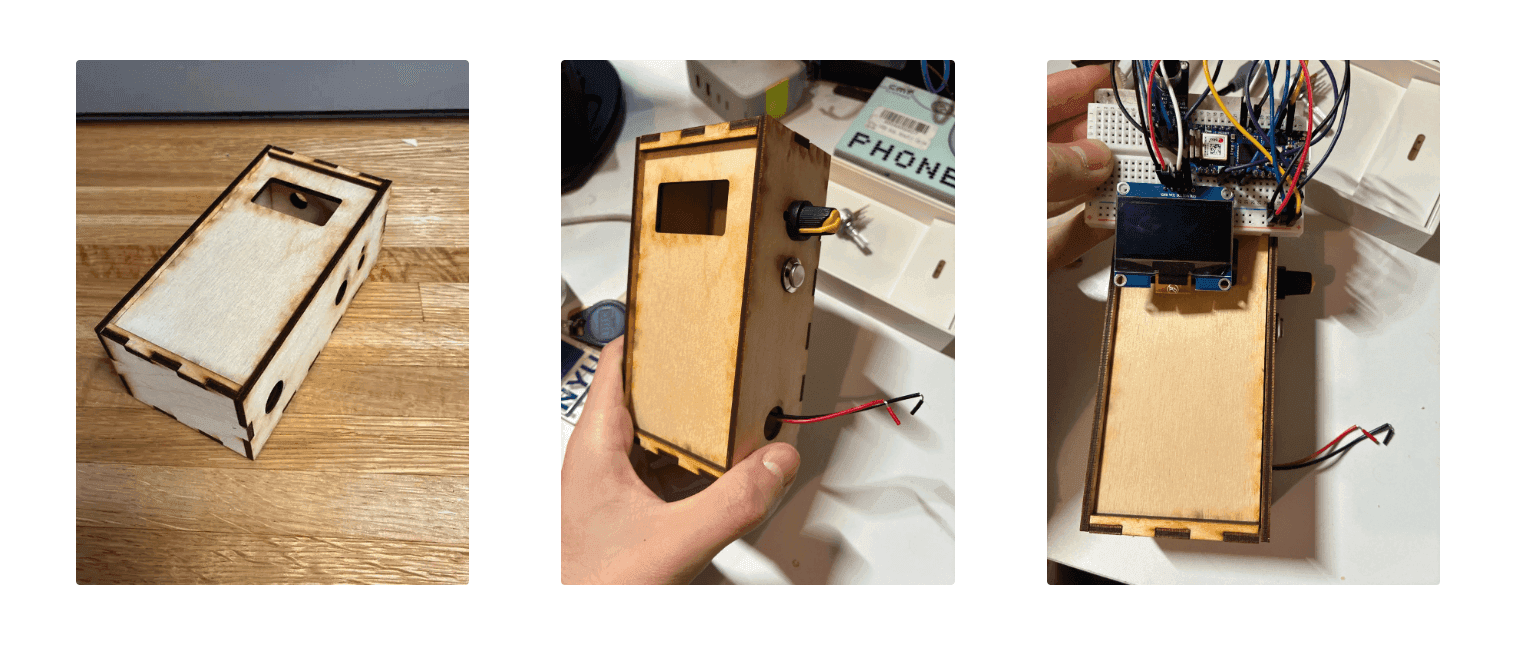
The microphone and microcontroller capture sound data. Filtering and grouping reduce minor fluctuations before display.
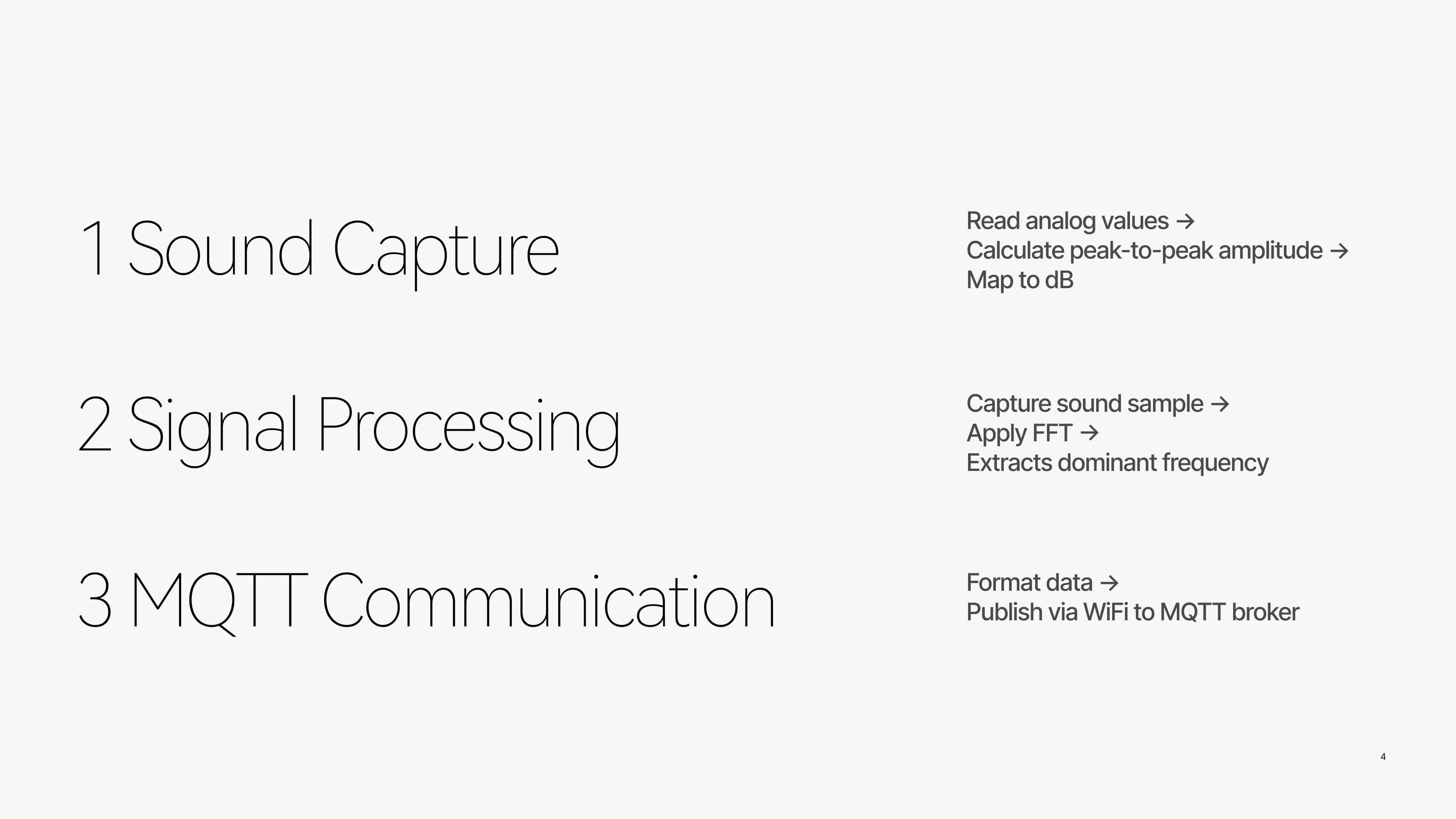
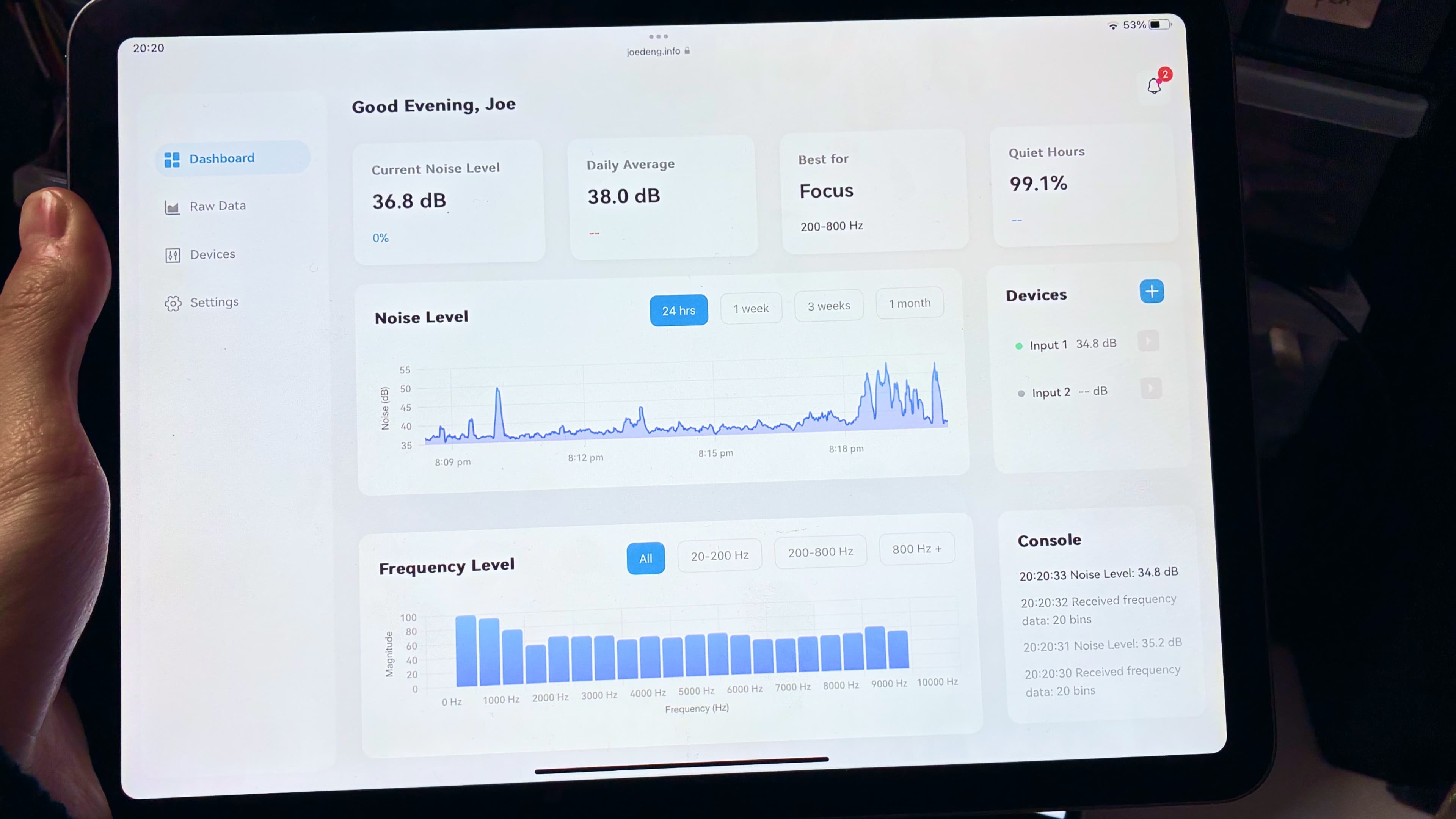
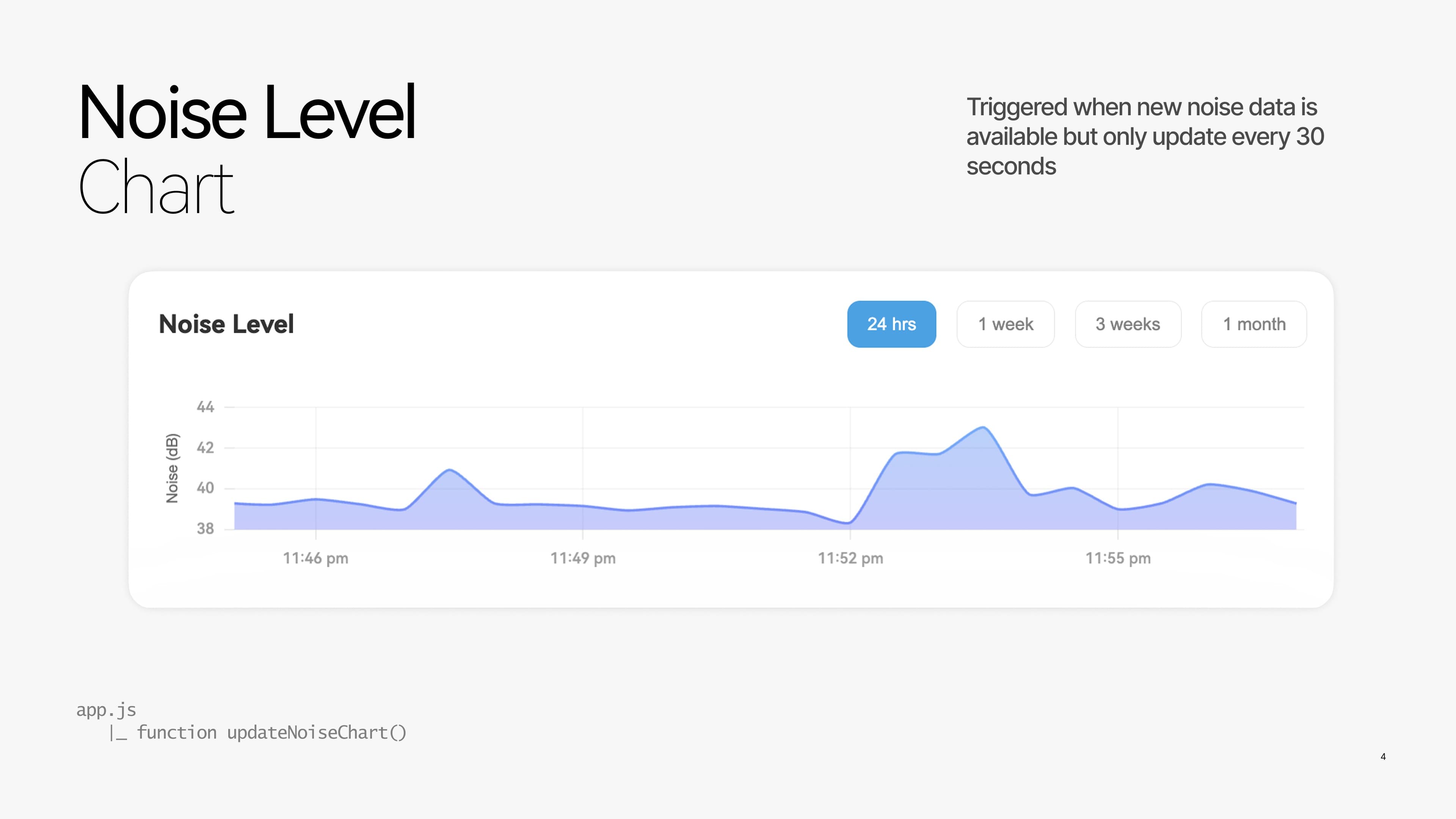
Current levels refresh frequently. Charts and daily averages update more slowly to support reading longer-term changes.
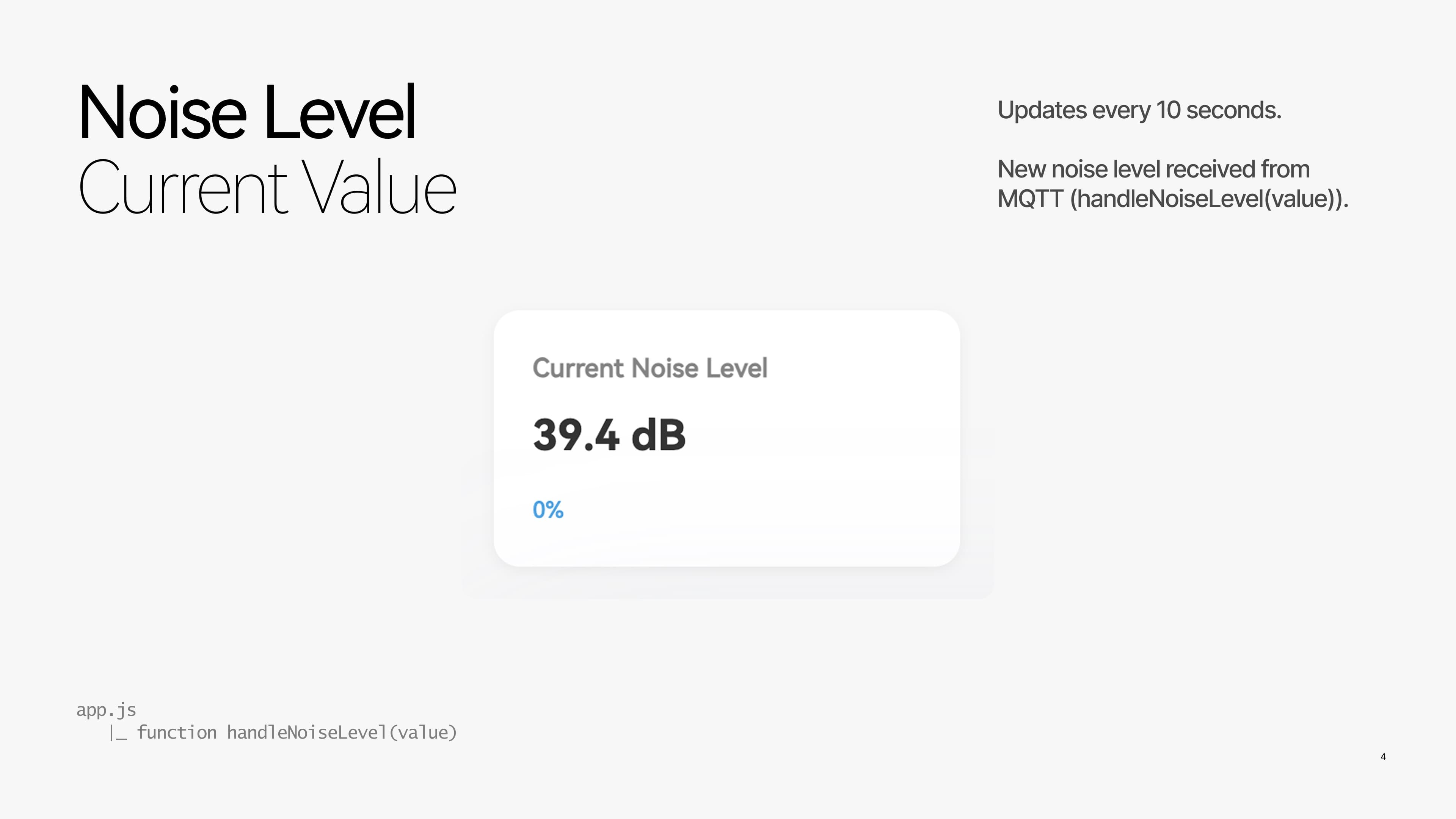
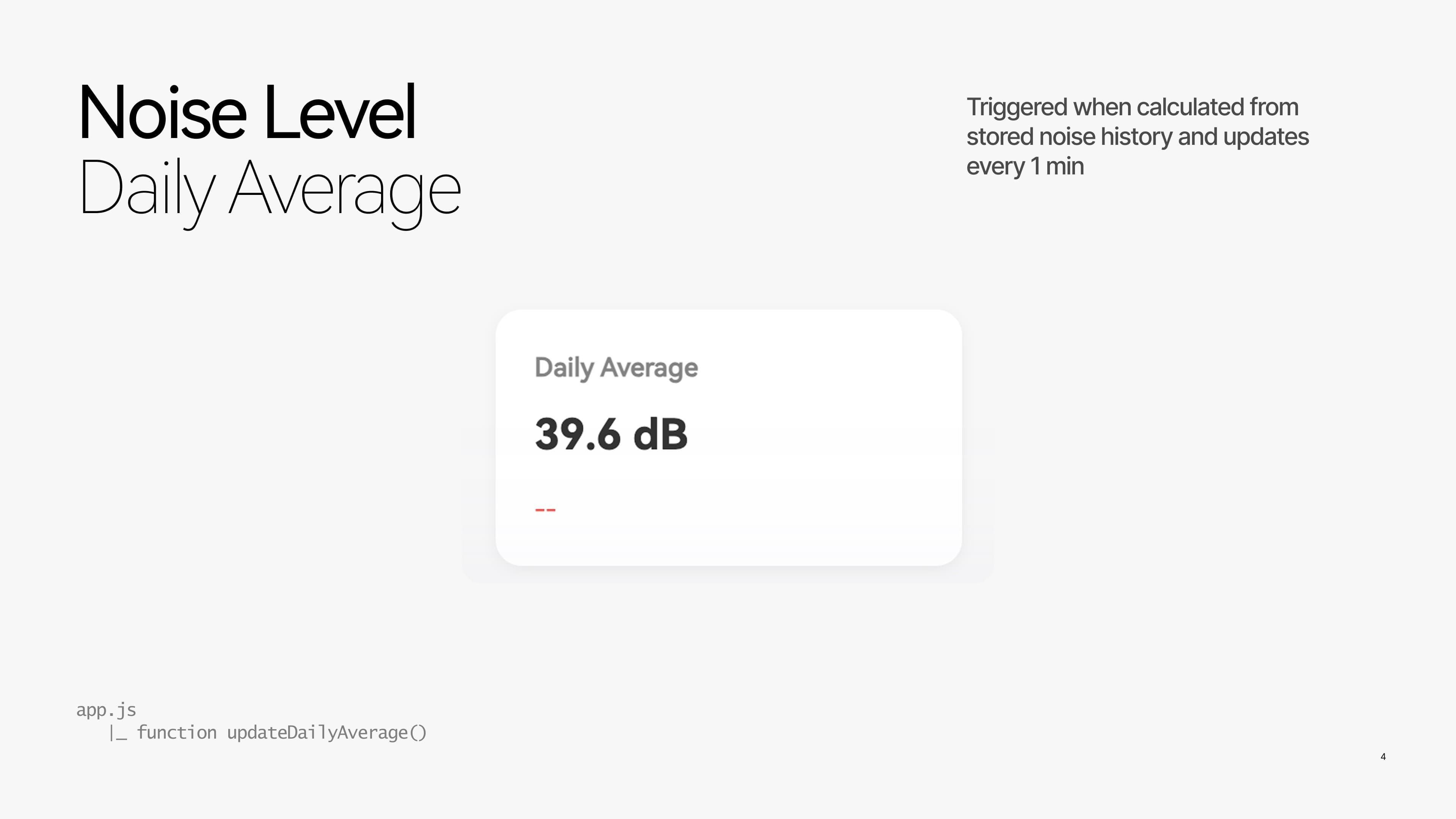
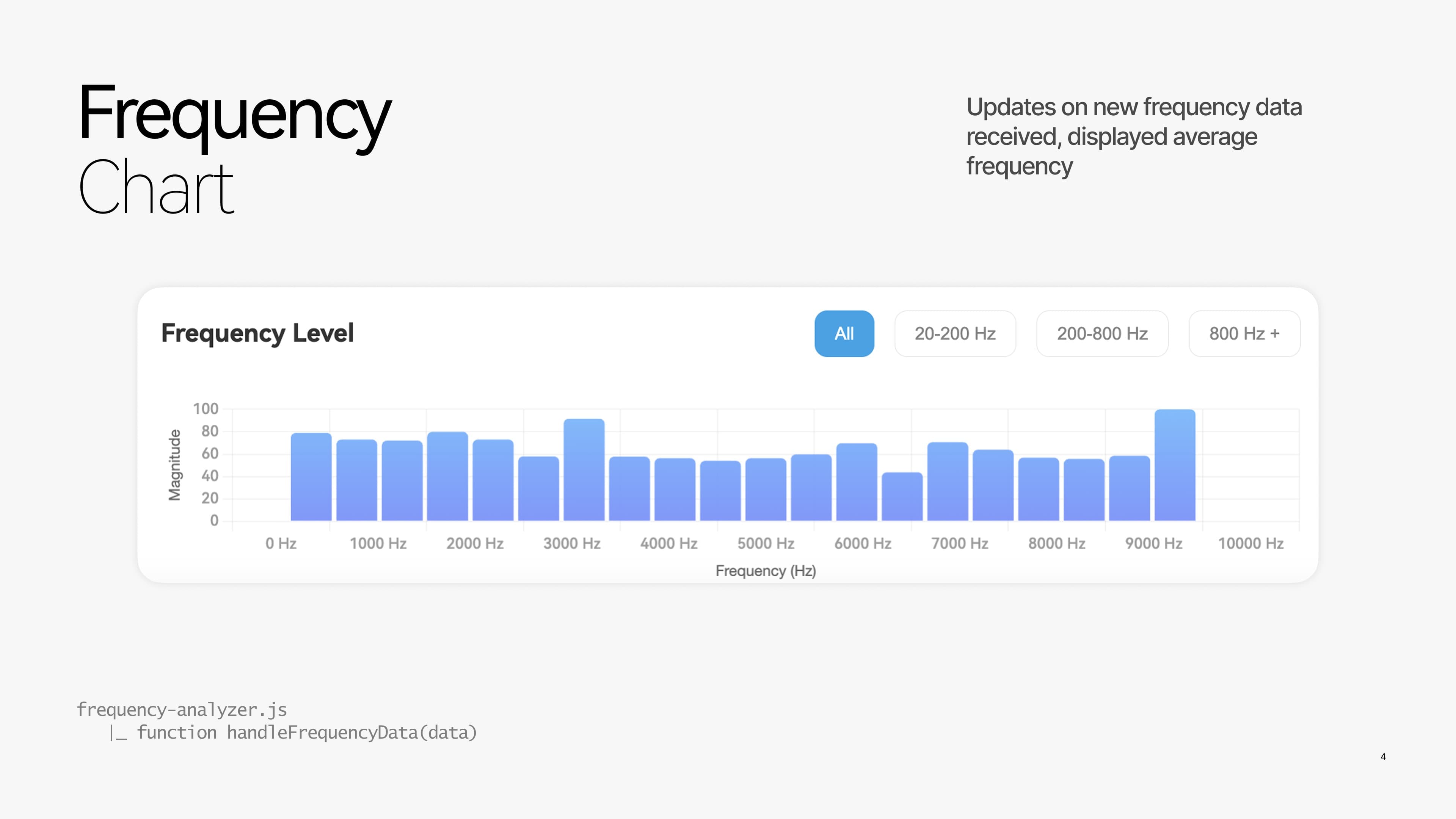
Users can view the current value, trends over time, or frequency details. Each view provides a different level of information.
Connection indicators are separate from sound readings, helping users distinguish missing data from lower sound levels.
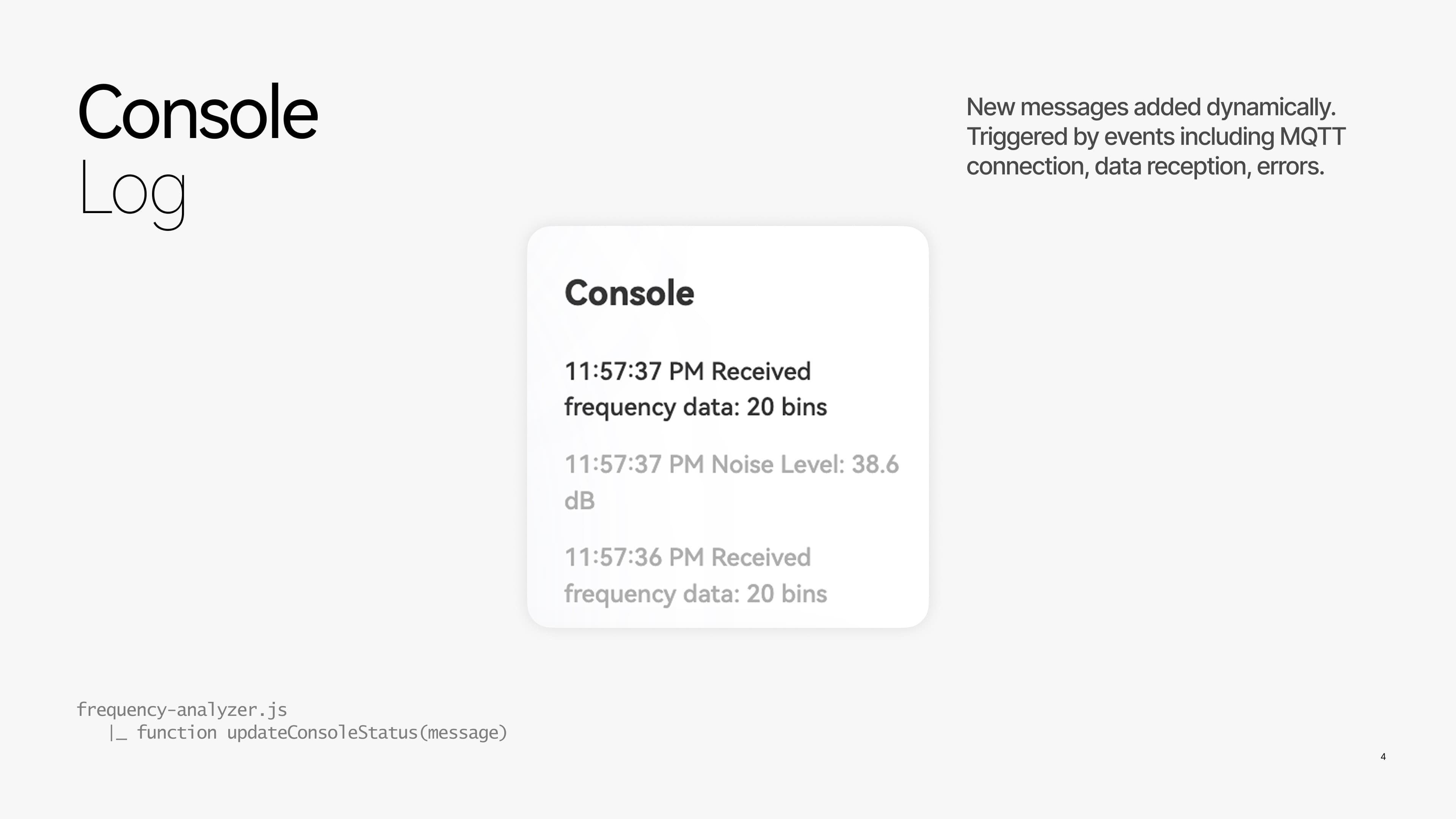
Readings are saved locally for later review, without adding more information to the live display.