Mobile audio editing
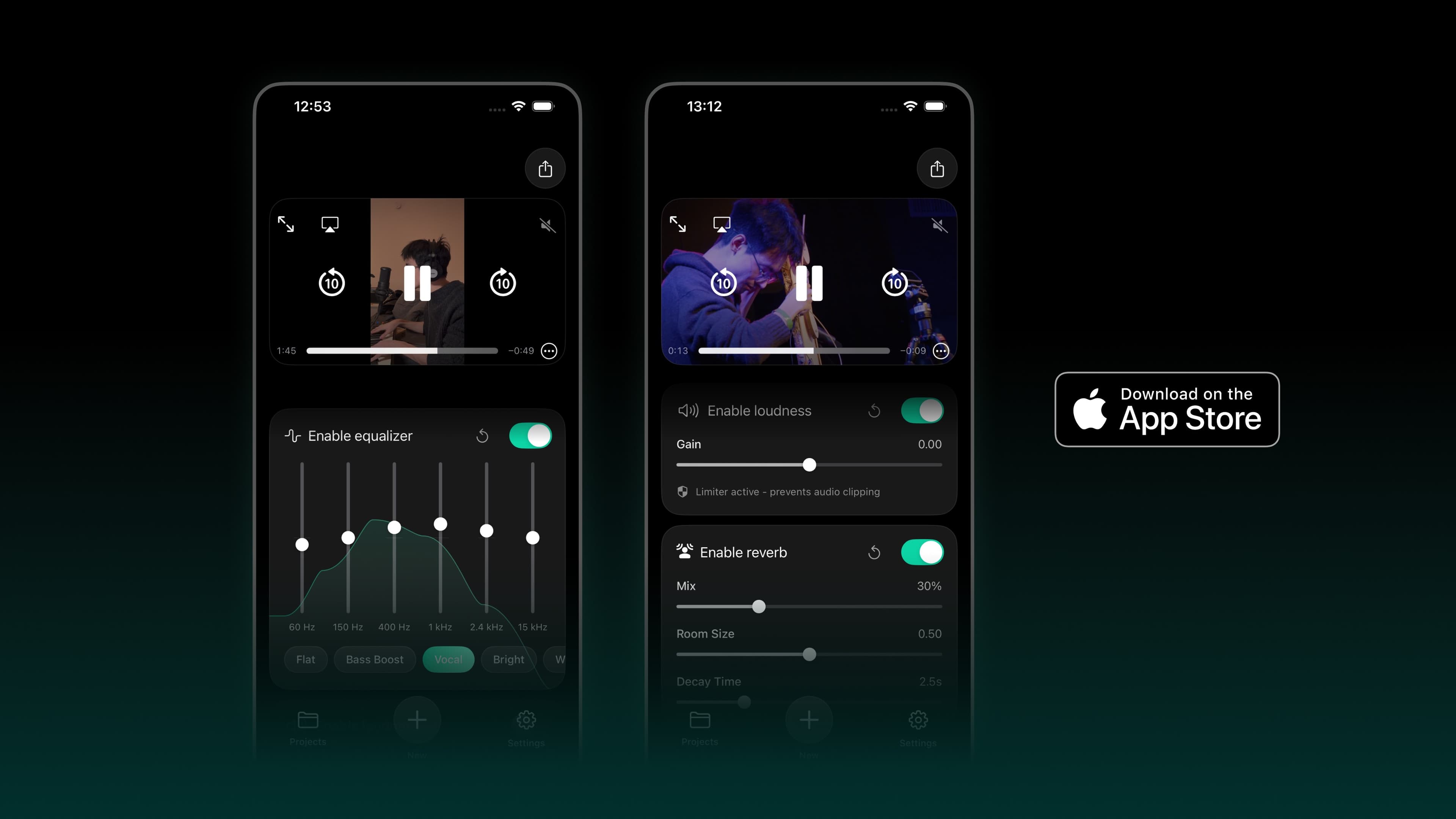
I designed Audioo for creators making short audio edits on a phone. The interface combines preset starting points with direct adjustments.
EQ presets and editing
EQ · EqualizationEQ changes the balance of low, middle, and high tones—for example, making a recording warmer or less muddy. In Audioo, presets give a quick starting point and the movable curve lets the creator hear what each adjustment does.Further readingAbleton — Audio effects and equalization presets provide an initial setting that users can listen to and adjust, instead of drawing a curve from scratch.
Users can drag the curve and hear the change immediately. This makes the effect of each adjustment easier to assess.
Loudness is adjusted separately from EQ, so changes in overall level do not require editing the tone curve.
Reverb uses a limited set of controls within the main editing flow.
Saved projects support later edits. Early Feedback from Audioo usersThese are comments from people who downloaded Audioo, rather than a controlled usability study. They are useful signals about everyday use: quick edits and loudness control received praise, while requests for fades and finer EQ point to possible next improvements.Further readingAudioo — App Store listing and customer reviews mention quick editing, loudness control, and the interface; requests for fades and additional EQ control inform further development.