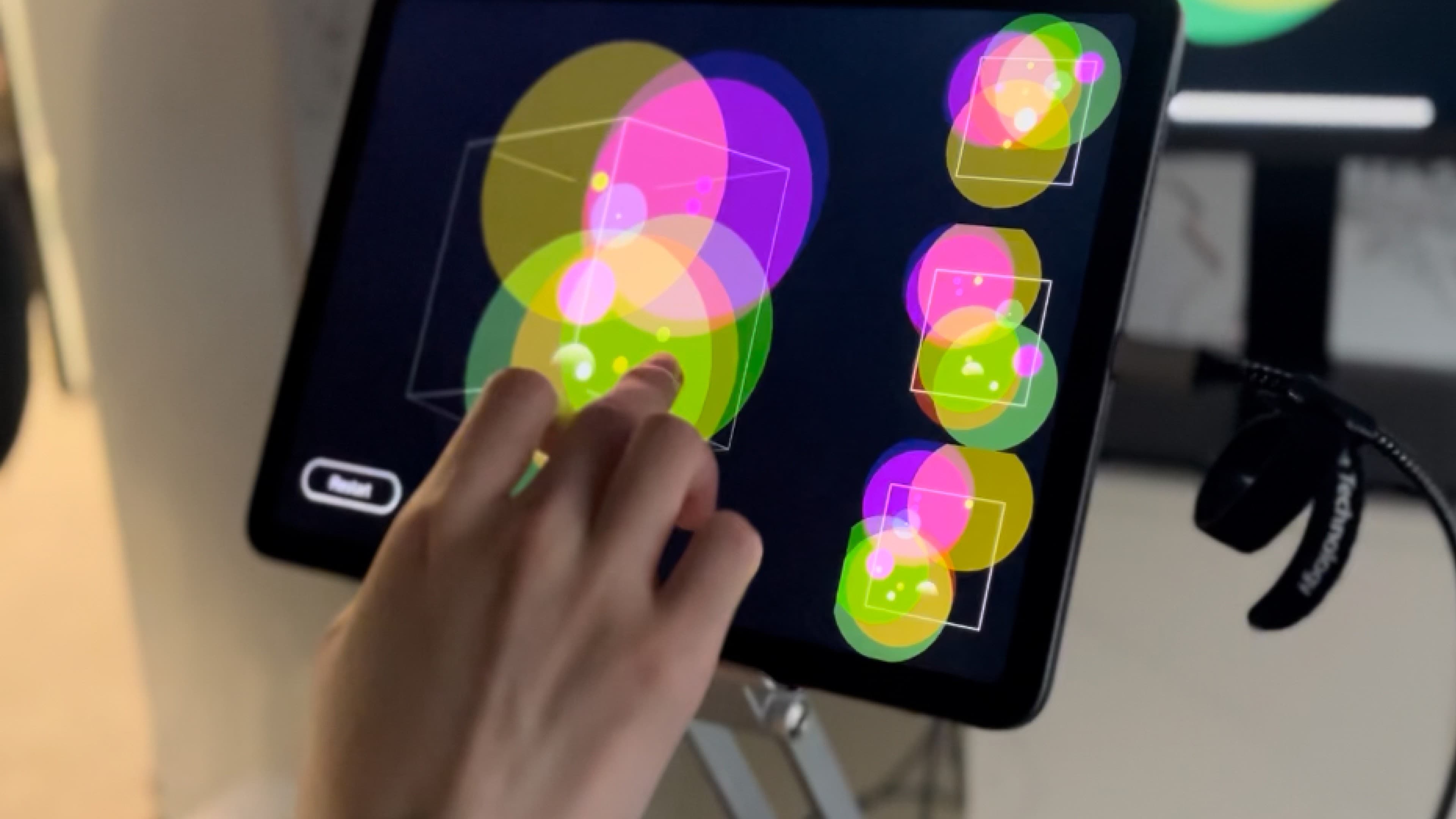
Physical control of spatial audio
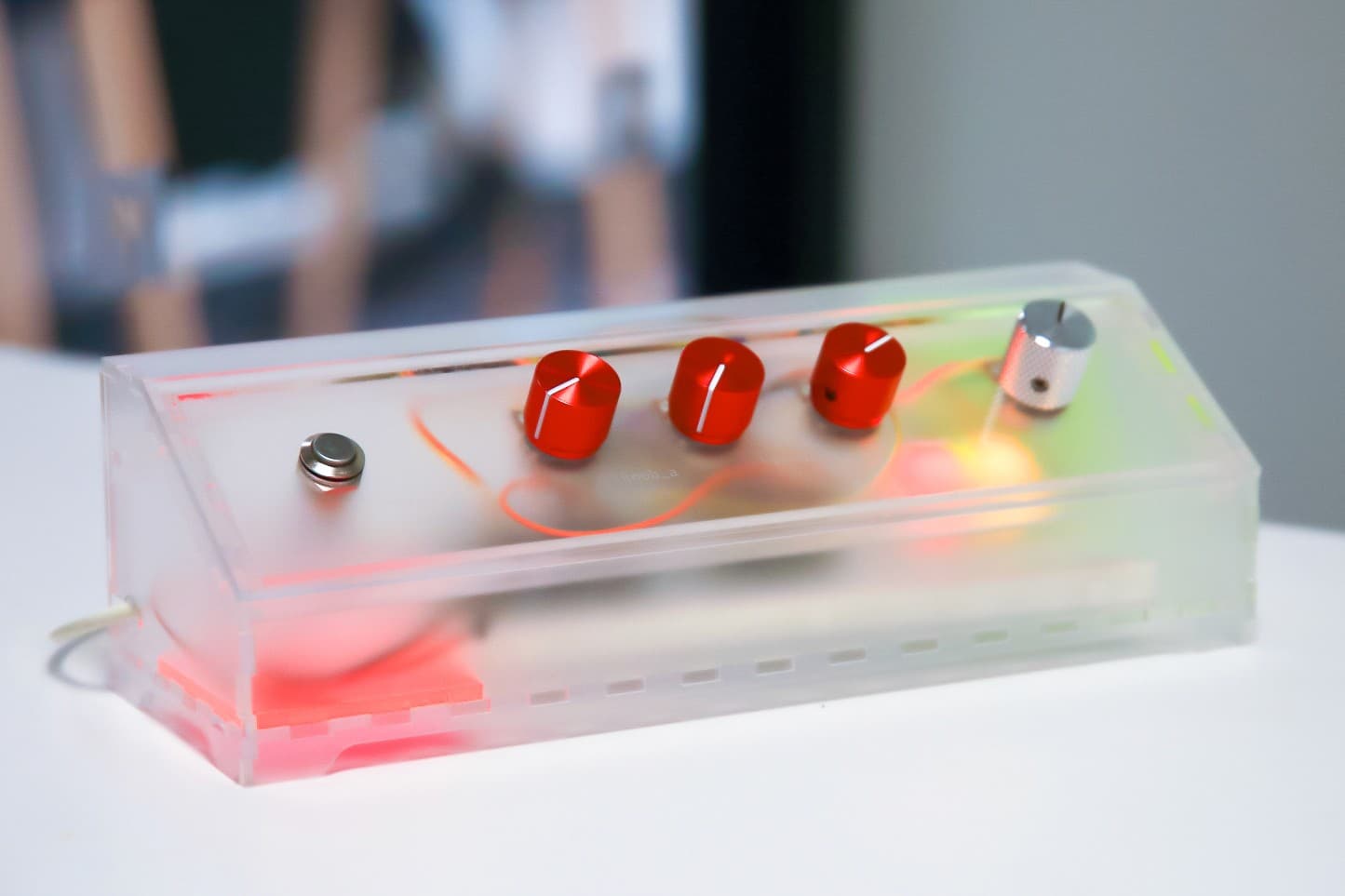
Sound Bubbles uses physical controls to introduce spatial audio without a complex software interface.
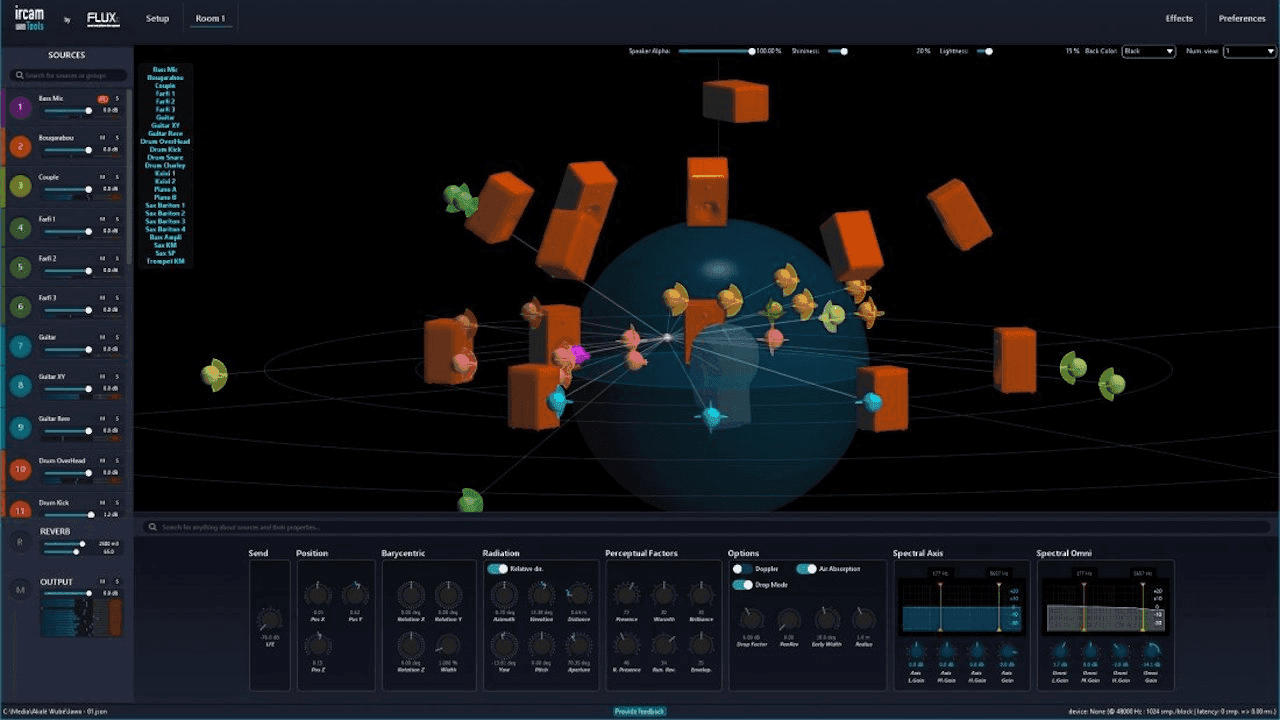
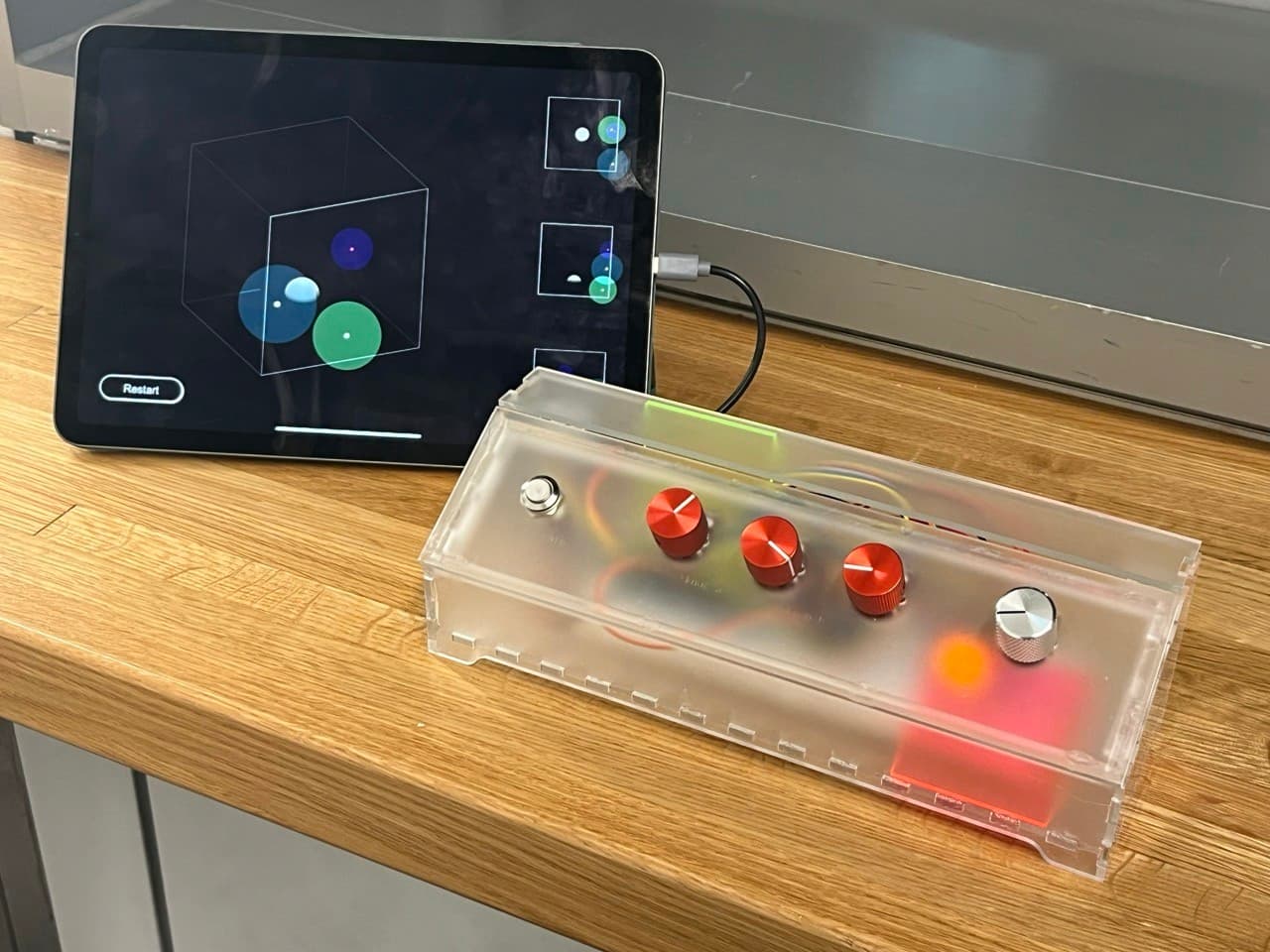
Turning a control changes a sound's position, with audio and visual feedback showing the result.
Control mapping
I used a small set of Tangible interactionA tangible interface lets a physical object control something digital. Here, turning a knob changes the position of a sound. The value is the direct connection: a person learns by moving a hand and listening, without first interpreting a software panel.Further readingIshii & Ullmer — Tangible Bits, CHI 1997, with a visible and audible response for each adjustment.
Knobs and button actions
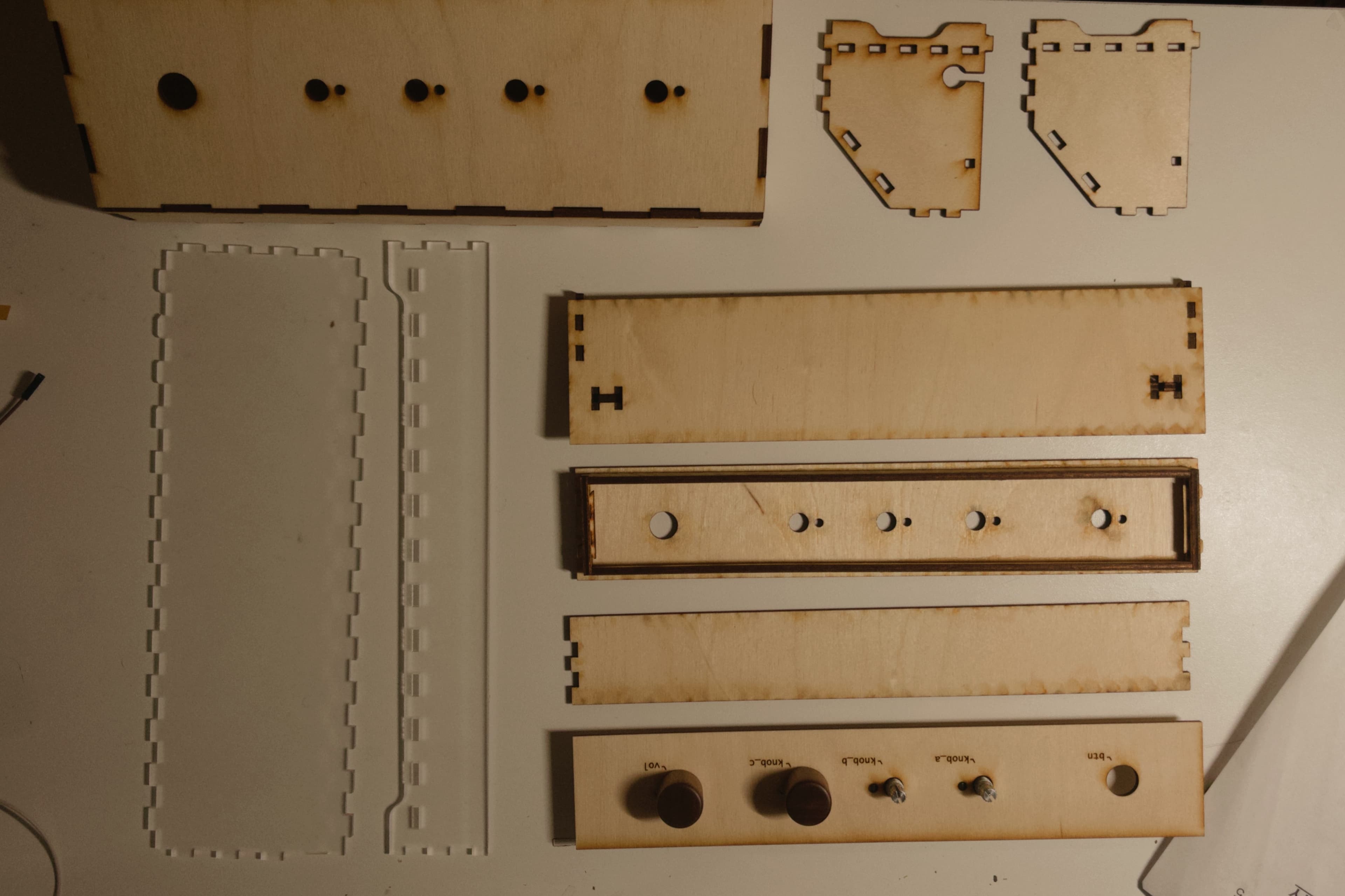
Three knobs control X, Y, and Z position. A fourth adjusts volume independently, so position changes do not affect loudness.
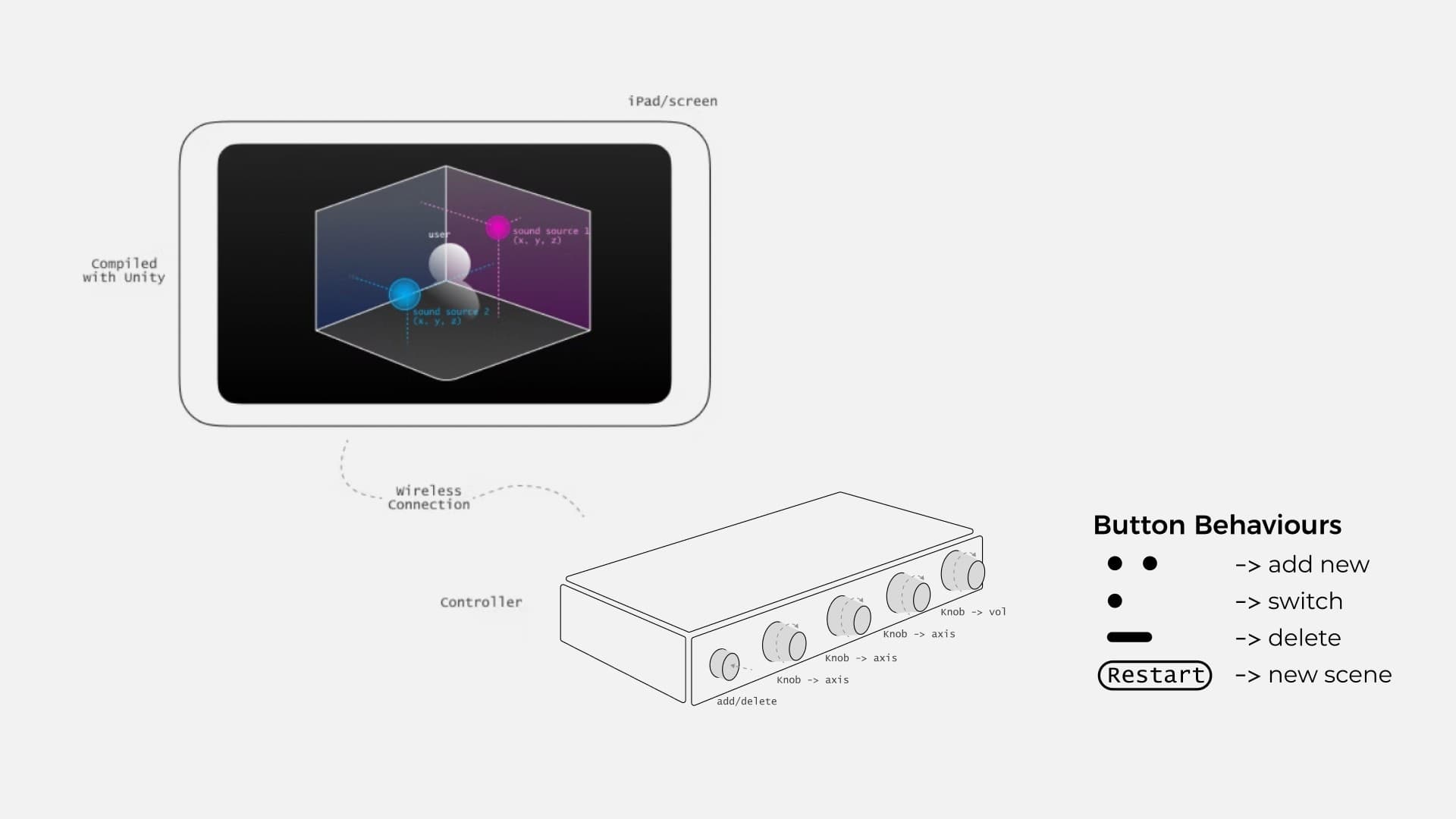
A single press switches sound sources, a double press adds a source, and a long press removes one. This reduces the number of physical buttons.
Knob adjustments update the sound, iPad display, and UnityUnity is software for building interactive 3D scenes. In these projects it connects a virtual scene with movement, visuals, or spatial sound, so a designer can prototype how an experience responds over time.Further readingUnity manual scene together. The visual display provides a reference for the perceived position.
A short guide explains the controls before participants use them independently.
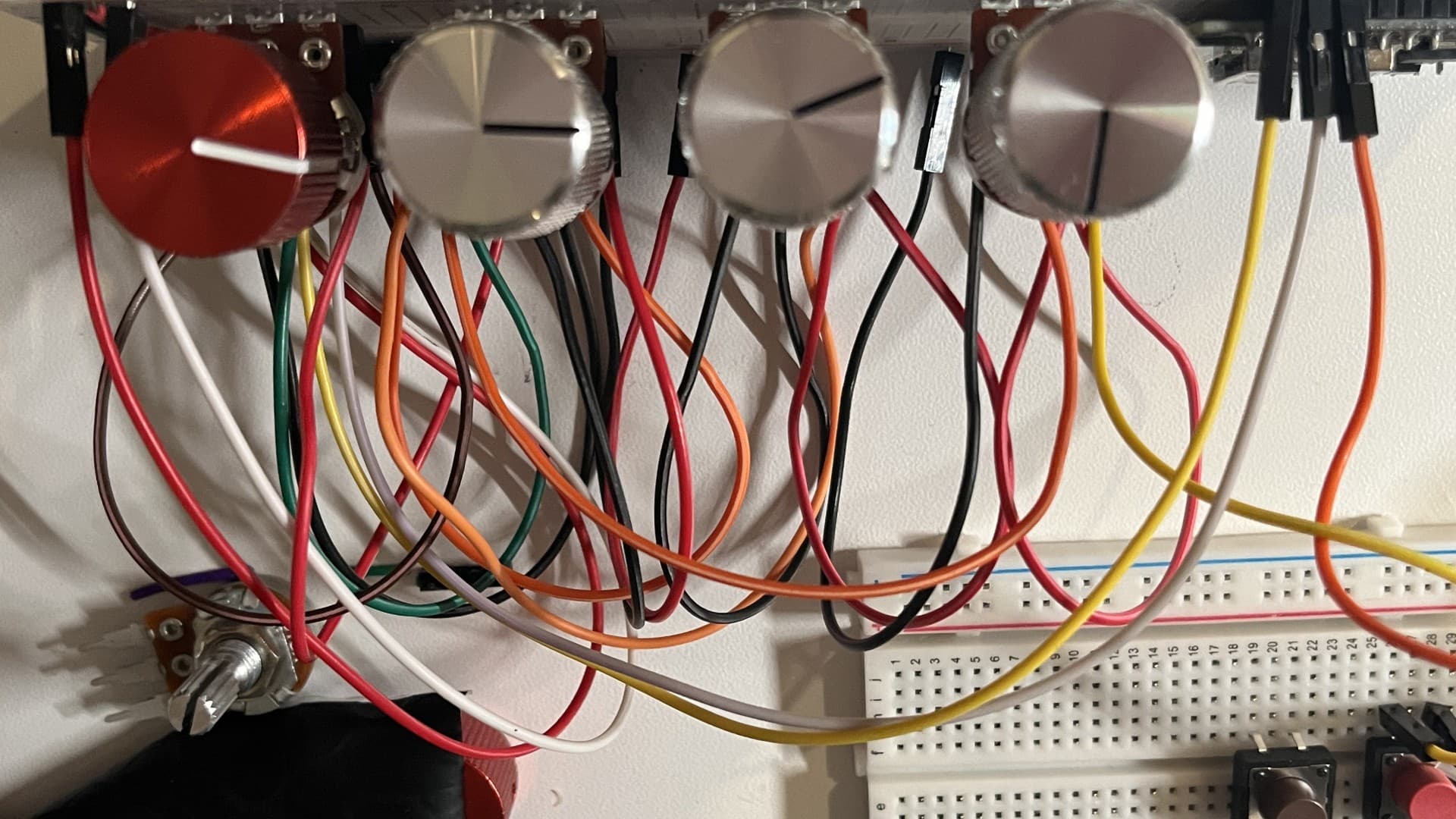
A microcontroller reads the knobs and transmits their values wirelessly to Unity, which handles audio and visual output.
Separating the controller from processing supports further testing with larger scenes. Standalone audio processing remains a possible extension.